Installing R & RStudio
\(^*\) This is not strictly true. You can use R online via posit cloud. This is a “freemium” service and the free plan is unlikely to meet your needs.
Before you can use R you must download and install it.\(^*\) So, to get started, download R from CRAN, and follow the associated installation instructions (see below for detailed instructions for your system).
If you want a walk through, see Roger Peng’s tutorial on installing R on a PC youtube link here.
“To install R on Windows, click the Download R for Windows link. Then click the base link. Next, click the first link at the top of the new page. This link should say something like Download R 4.4.2 for Windows except the 4.4.2 will be replaced by the most current version of R. The link downloads an installer program, which installs the most up-to-date version of R for Windows. Run this program and step through the installation wizard that appears. The wizard will install R into your program files folders and place a shortcut in your Start menu. Note that you’ll need to have all of the appropriate administration privileges to install new software on your machine.”
- From Appendix A of Hands-On Programming With R – Grolemund (2014).
If you want a walk through, see Roger Peng’s tutorial on installing R on a mac.
“To install R on a Mac, click the Download R for macOS link. Next, click on the [newest package link compatible with your computer]. An installer will download to guide you through the installation process, which is very easy. The installer lets you customize your installation, but the defaults will be suitable for most users. I’ve never found a reason to change them. If your computer requires a password before installing new programs, you’ll need it here.”
- From Appendix A of Hands-On Programming With R – Grolemund (2014).
R comes pre-installed on many Linux systems, but you’ll want the newest version of R if yours is out of date. The CRAN website provides files to build R from source on [Debian], Redhat, SUSE, and Ubuntu systems under the link “Download R for Linux.” Click the link and then follow the directory trail to the version of Linux you wish to install on. The exact installation procedure will vary depending on the Linux system you use. CRAN guides the process by grouping each set of source files with documentation or README files that explain how to install on your system.
- From Appendix A of Hands-On Programming With R – Grolemund (2014).
Installing RStudio
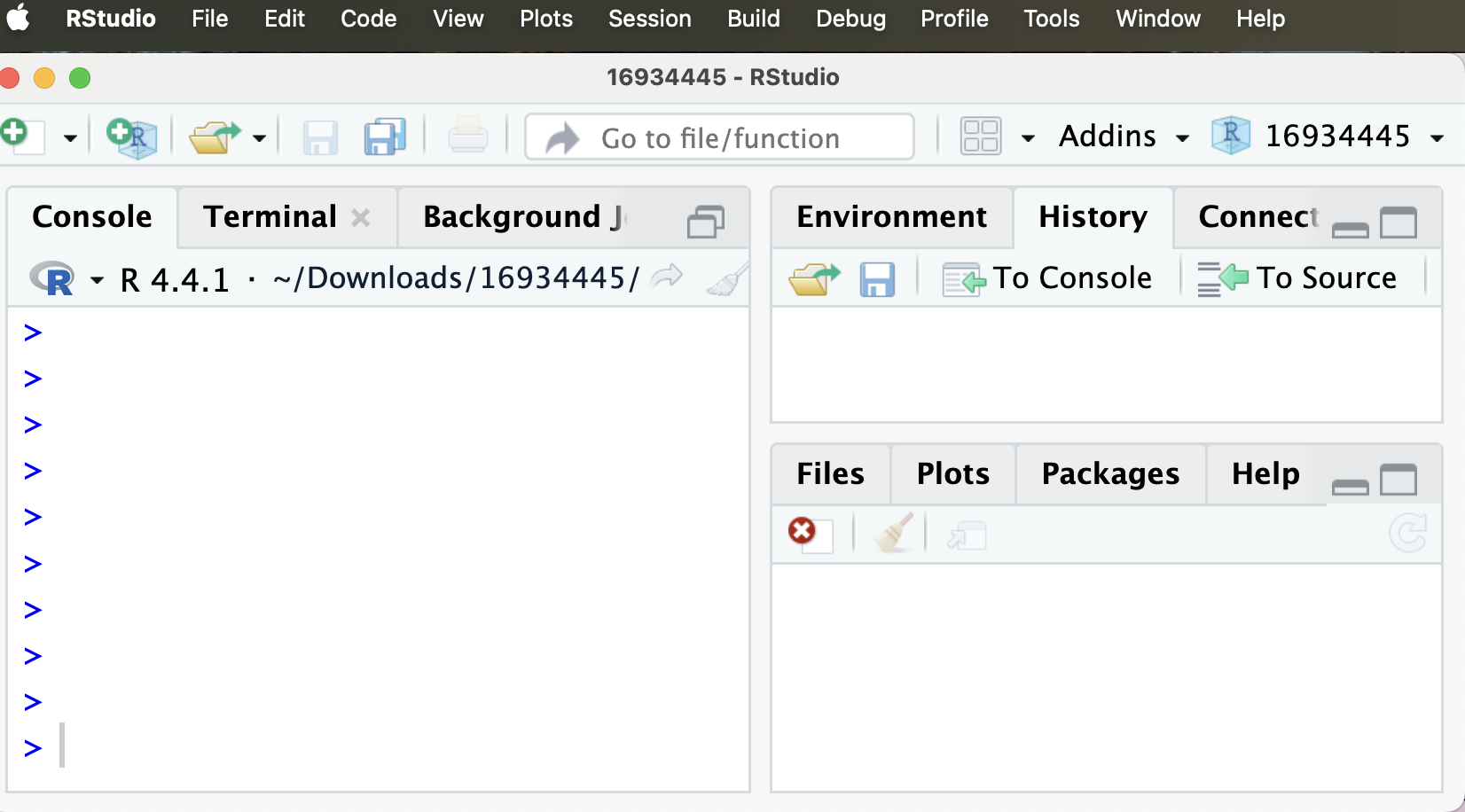
After installing R download/update the RStudio IDE from Posit’s download site. After downloading R, and then RStudio, open RStudio. It should look like this:
RStudio in the cloud
Alternatively you can use RStudio on the cloud via PositCloud. This is “freemium,” but I think you could get through this course without exceeding the free usage.